Home / Platform / Social posts
Platform · Social posts
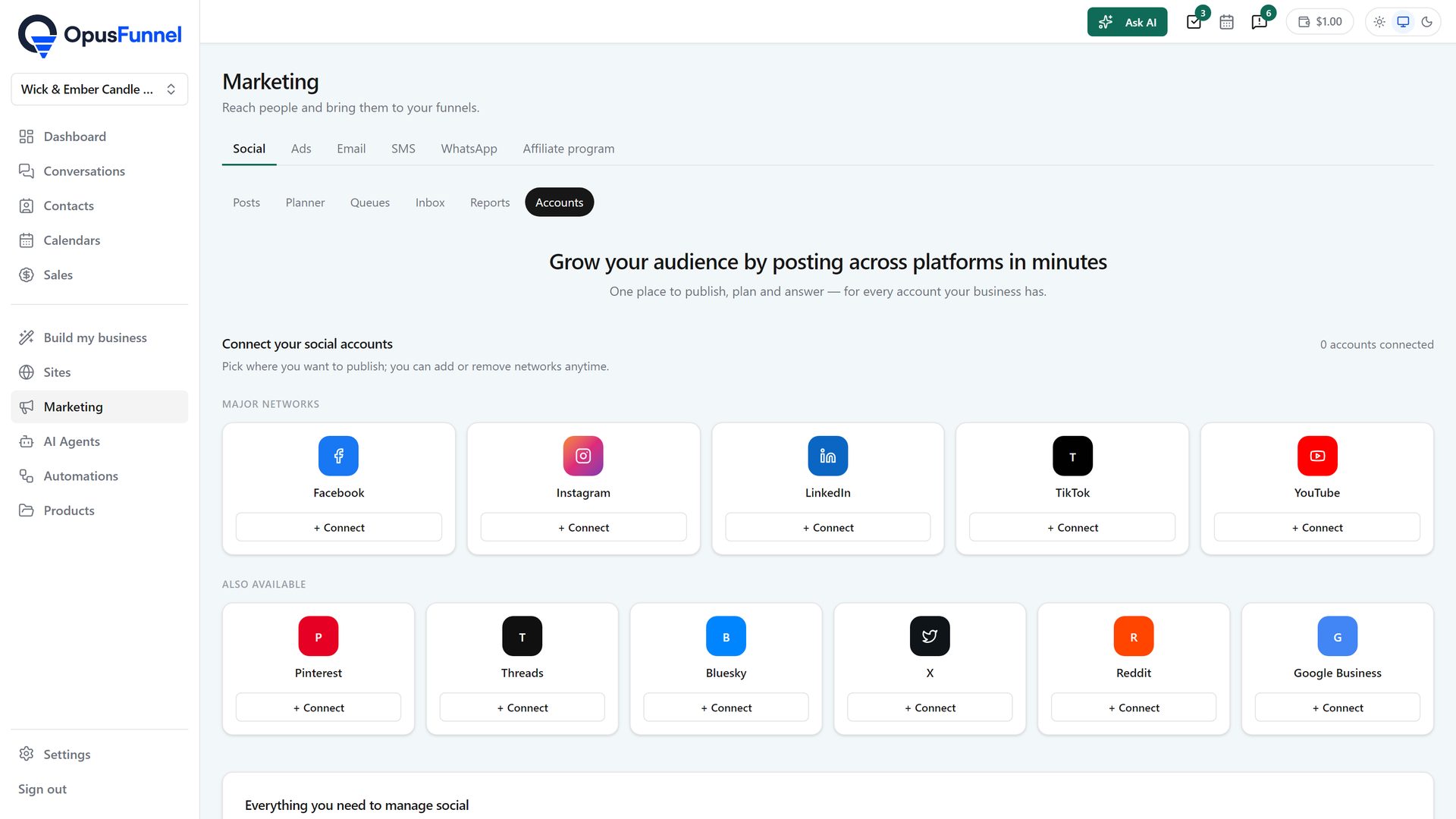
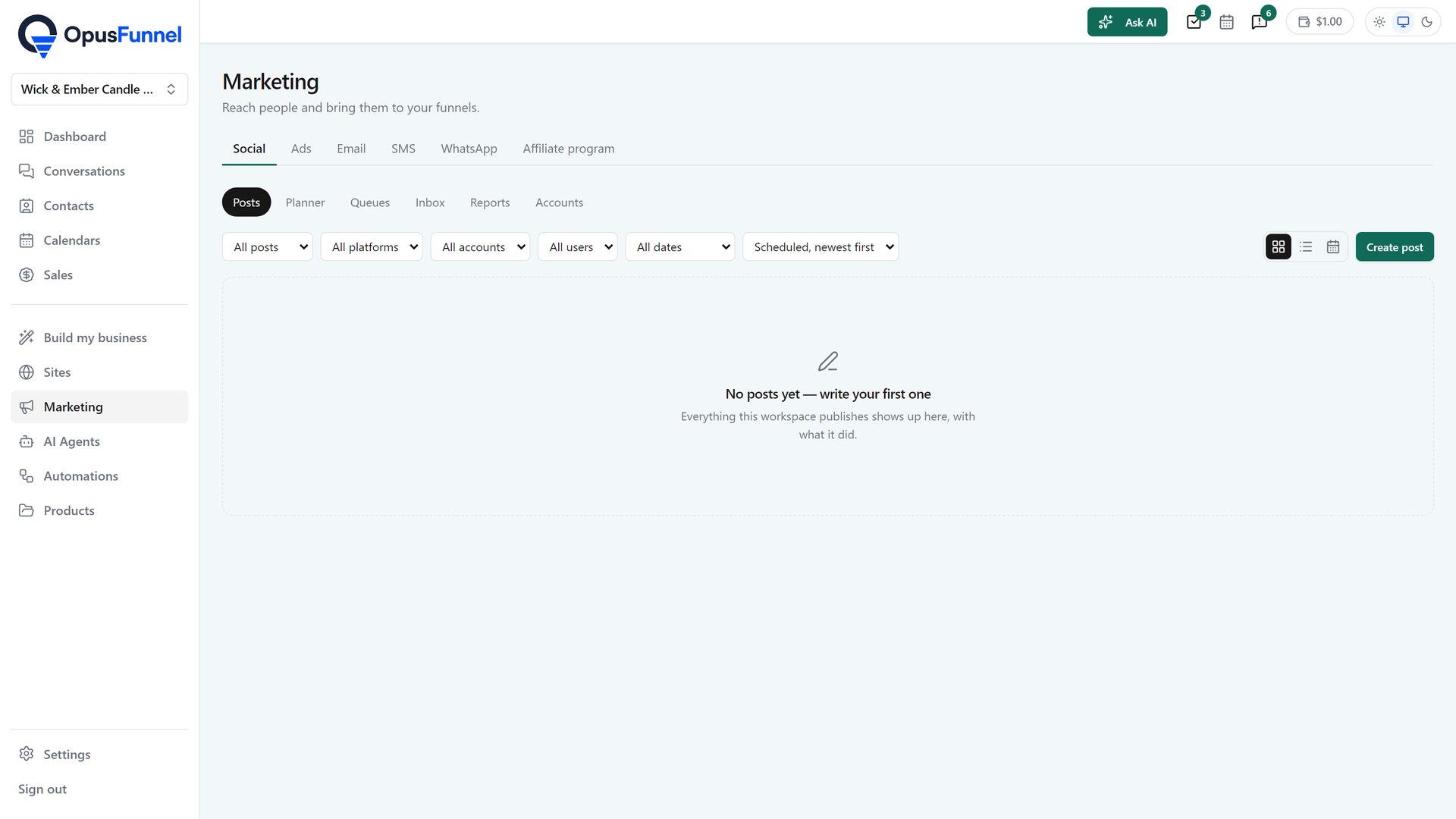
Marketing › Social has six parts: Posts, everything the workspace has published or scheduled and what it did; Planner, where you write once, let the AI draft the caption, and it goes out to all of them; Queues, recurring times to publish at, so a post takes the next free slot; Inbox, where messages, comments and reviews land as threads, newest and unanswered first, with AI-drafted replies; Reports, followers, reach and engagement per account; and Accounts, the networks you publish to. The screens are live in the app.
Usage priced per connected account, from a balance you top up
What is coming
01 · Networks
Instagram, TikTok, YouTube, X, LinkedIn, Facebook, Threads, Pinterest, Reddit, Bluesky, Telegram, Discord, Snapchat and Google Business, connected under Marketing › Social › Accounts. One post can go to several of them at once, each with its own wording if you want it.
02 · Schedule
Text, images and video, posted now, at a time you pick, or added to a queue that publishes at the recurring times you set. One post can carry a different caption per network. The same AI that writes your emails and funnel pages drafts the caption, and you approve it before it goes. Posts lists everything published or scheduled, with what it did, in a grid, a list or a calendar.
03 · Replies and numbers
Messages, comments and reviews on your connected accounts land in the Social inbox as threads, newest and unanswered first, and direct messages and comments also appear in Conversations under a Social channel, on the contact's record. The review-replies agent drafts an answer to every review in your voice, and you approve it before anybody sees it. The AI drafts replies to messages and comments as well. Followers, reach and engagement show under Reports from a day after an account is connected.
04 · Reports
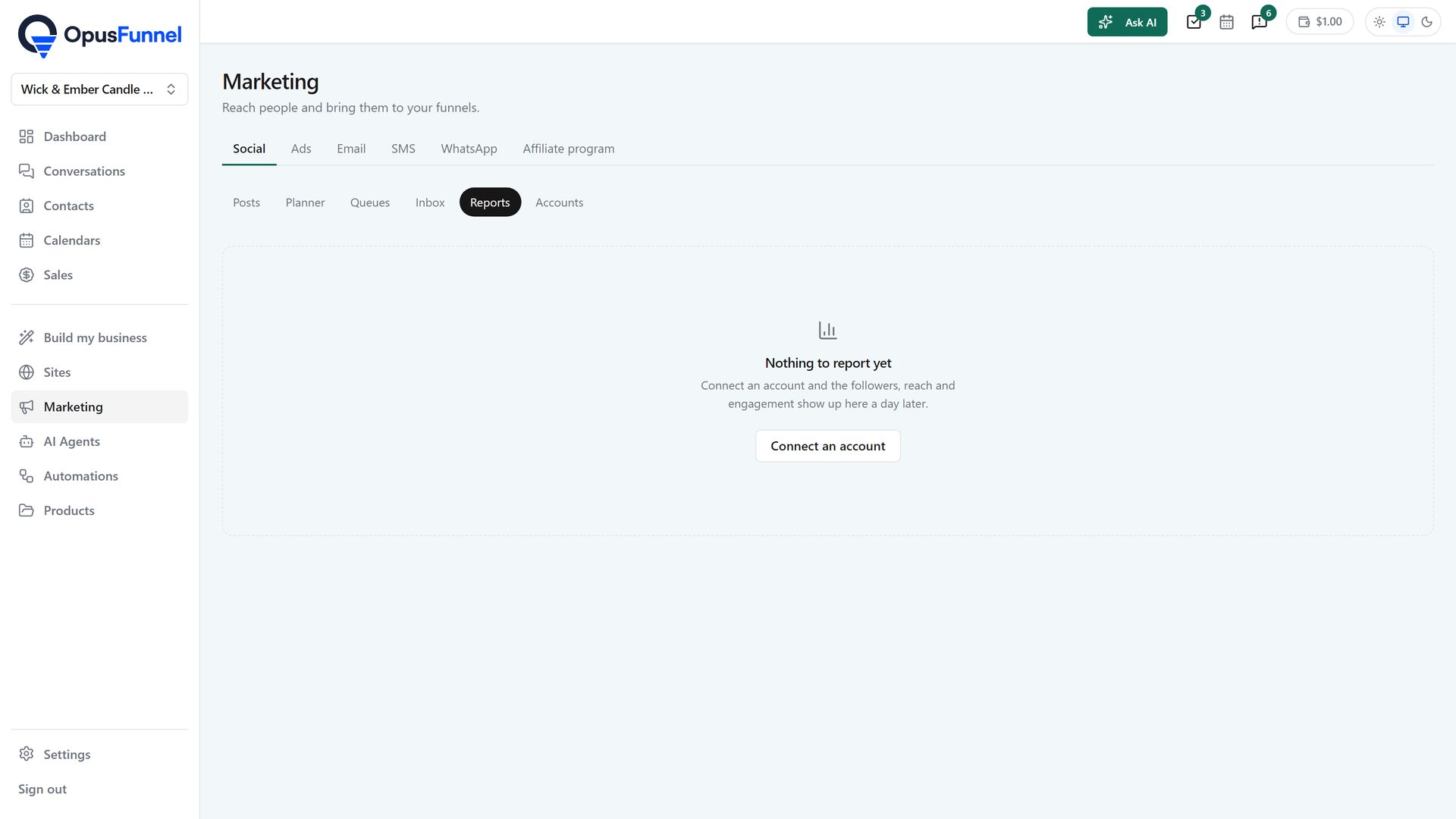
Connect an account and from the next day Reports shows followers, reach and engagement for it, beside the same numbers for every other account. No spreadsheet, no logging into six networks.
Everything in it
Posts, Planner, Queues, Inbox, Reports and Accounts, under Marketing in the same login as your funnels and your CRM.
Questions
Yes. Connect your accounts under Marketing › Social › Accounts, write in the Planner, and the posts go out to every account you pick. Replies land in the social inbox.
Instagram, TikTok, YouTube, X, LinkedIn, Facebook, Threads, Pinterest, Reddit, Bluesky, Telegram, Discord, Snapchat and Google Business.
Yes. Messages, comments and reviews on connected accounts land in the Social inbox, newest and unanswered first, and the review-replies agent drafts an answer to each review for you to approve.
Usage priced per connected social account, from the same balance as SMS, WhatsApp and voice. Agencies can mark it up. Exact rates are published when it goes live.
Also in the platform
Social posts sit next to the funnels, the CRM and the automations they feed, in one login.
14-day free trial, card required · renews monthly, cancel anytime · no platform fee on paid plans
